
At WiseGEEK, we're committed to delivering accurate, trustworthy information. Our expert-authored content is rigorously fact-checked and sourced from credible authorities. Discover how we uphold the highest standards in providing you with reliable knowledge.
What is the Difference Between Bitmap, JPEG, and GIF Files?
 Dana Hinders
Dana Hinders
Dana Hinders
Regardless of whether a person is searching for images to place on her company website or taking pictures for her family scrapbook, the key to a successful digital design experience is to understand the difference between bitmap, JPEG, and GIF files. Each of the file extensions used to label a digital image has its own unique set of advantages and disadvantages.
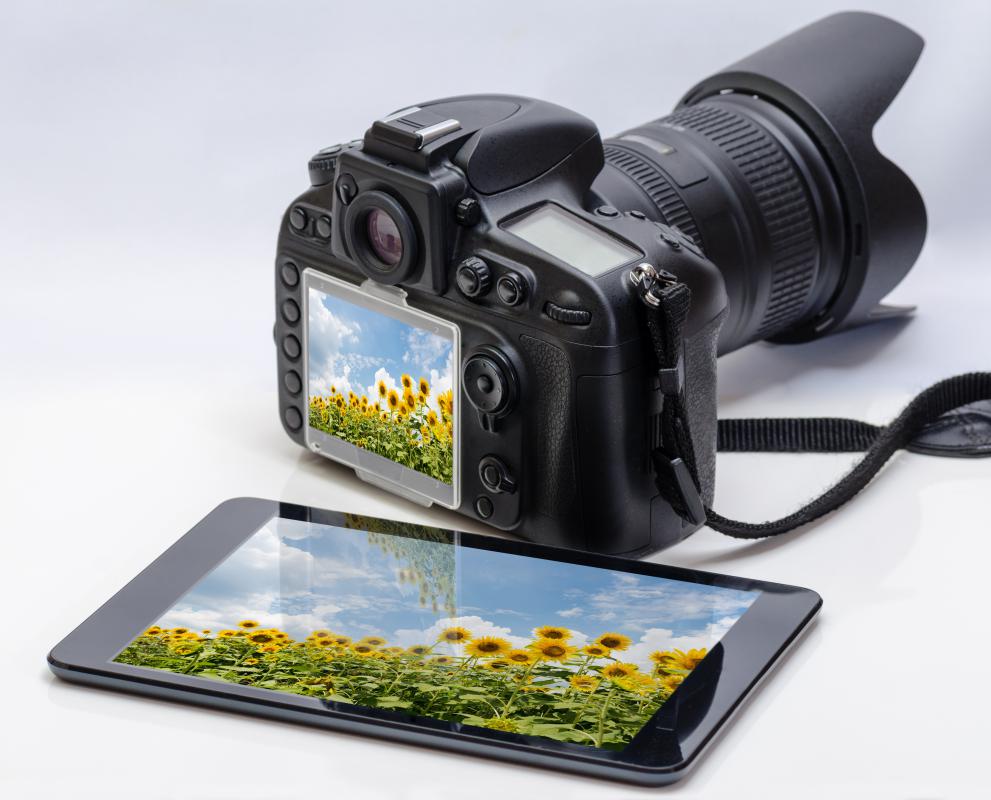
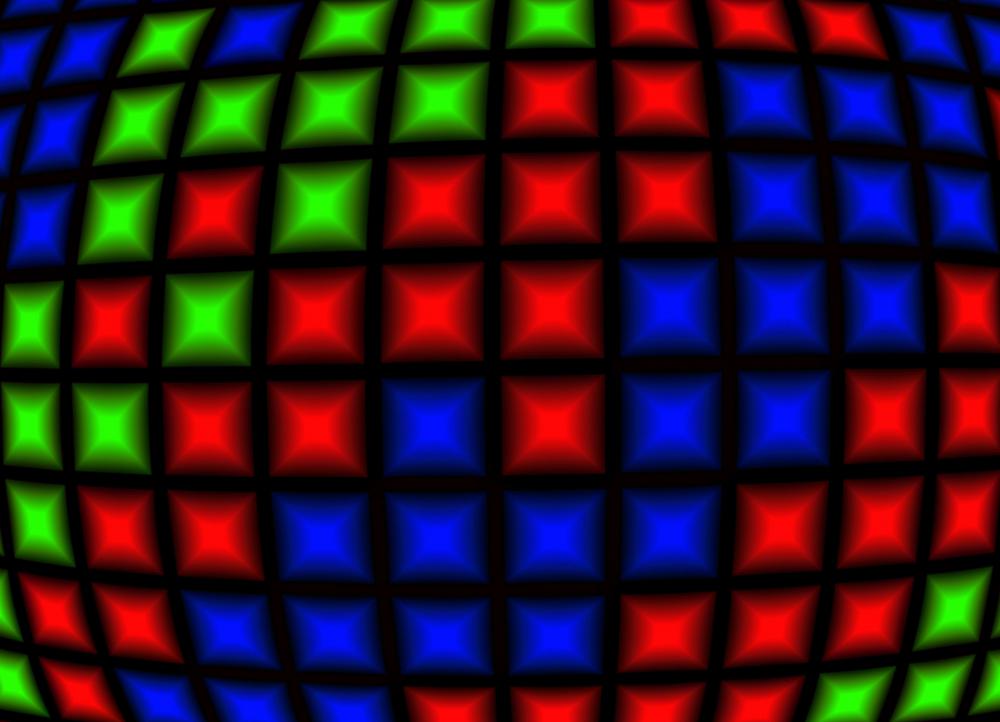
All images that come from a scanner or digital camera are bitmap files. This file is one that is made up of pixels in a grid. It is a resolution dependent image, so it’s very difficult to increase its size without a noticeable decrease in quality. When a person tries to make a bitmap image larger through an image editing software program, the computer uses a process called interpolation to “guess” what the additional pixels must look like. This may not be noticeable on a computer monitor, but printing the resized graphic almost always results in a blurry and distorted image.

Joint Photographic Experts Group (JPEG) or JPG files are a type of compressed bitmap file. This lossy compression technique reduces the size of an image by discarding details that are typically too insignificant for the human eye to detect. Since the format supports 16 million colors, it does a very good job of analyzing what data is the most important to a particular image. The format is well suited to digital photography, but doesn’t work well for saving line drawings or clip art images that have little available data to compress.

A Graphics Interchange Format (GIF) file is another type of compressed bitmap file. Unlike JPEG images, GIFs are saved using a lossless compression technique. This format works well for line drawings, black and white graphics, or simple text-based images. They also allow transparency and animation, making them quite popular among web designers seeking to create unique effects for their sites. The format is not well suited for photos, however, since it only supports 256 colors.

Choosing what format to use for digital images doesn’t have to be difficult. For printing a photograph, JPEG is the smart choice because it will preserve the vibrancy of the colors with a minimal loss of quality. For simple web graphics and most other types of digital images, however, GIF is the better option.
Dana Hinders
Dana holds a B.A. in journalism and mass communication from the University of Iowa. She has loved being part of the WiseGEEK team ever since discovering the joys of freelance writing after her son was born. Dana also hones her writing skills by contributing articles to various blogs, as well as creating sales copy and content for e-courses.
Learn more...
Dana Hinders
Dana holds a B.A. in journalism and mass communication from the University of Iowa. She has loved being part of the WiseGEEK team ever since discovering the joys of freelance writing after her son was born. Dana also hones her writing skills by contributing articles to various blogs, as well as creating sales copy and content for e-courses.
Learn more...AS FEATURED ON:
AS FEATURED ON:









-
![Bitmap files from a digital camera are made up of pixels in a grid.]() By: joel_420Bitmap files from a digital camera are made up of pixels in a grid.
By: joel_420Bitmap files from a digital camera are made up of pixels in a grid. -
![Bitmap images are composed of tiny squares that work together to create a recognizable picture.]() By: ldelfotoBitmap images are composed of tiny squares that work together to create a recognizable picture.
By: ldelfotoBitmap images are composed of tiny squares that work together to create a recognizable picture. -
![The JPEG format is well suited for black and white photos.]() By: stryjekThe JPEG format is well suited for black and white photos.
By: stryjekThe JPEG format is well suited for black and white photos. -
![A bitmap refers to a type of file format for images sorted in a computerized form.]() By: ollyA bitmap refers to a type of file format for images sorted in a computerized form.
By: ollyA bitmap refers to a type of file format for images sorted in a computerized form.


Discussion Comments
@healthy4life – It's always good when you get to be the one to scan the images, instead of having customers send them to you. I worked for a real estate magazine for years, and many of the realtors would email us these tiny bitmap files that just could not be used.
The crazy thing is that the bitmap images would be mixed in with several really good JPEG photos. Anytime I saw the .bmp extension beside a file, I opened it with dread.
Since the realtors were by no means professional photographers or designers, they had a hard time understanding why I couldn't use the photos. So, I would import one of the bitmap files into a picture frame on the document and send it back to them. That way, they could see just how blurry it was and how you couldn't even tell it was a house.
I had never worked with animated files, but my coworker had. He made up a GIF file that was a little blue box, and when I opened it, all the letters of my name flashed by, one at a time.
The background even flashed and changed from dark blue to light blue to white as each letter went across the screen. I thought it was all pretty cool, because I had no idea how he did it. I do remember that it was a GIF file, though, because it was the first file of this type that I had ever seen.
I used to work at a newspaper, and I had to scan a lot of photos for graduation, wedding anniversaries, and births. Every time that I scanned an image, it showed up in bitmap format.
If I tried to edit a photo without first converting it to a JPEG, then almost all the options on the menus would be grayed out. This served as a good reminder to convert.
@anon121641: JPEGs from your camera and scanner are usually full bitmaps because they don't discard any information/don't compress.
Moreover, JPEGs, GIFs and PNGs are by definition "bitmaps." That means they store information of a picture by describing its pixels or a range of pixel. You will have the same blurry effect no matter which of them you strech.
The alternative to bitmaps are vectormaps, such as TGA, SVG, PDF and EPS. Vectors can be stretched much easier and will not have any blurry effect at all (as long as your computer is powerful enough to calculate the vectors properly).
Regarding your sentence: "All images that come from a scanner or digital camera are bitmap files".
All the photos from my digital camera and scanner are JPEG. What am I not understanding?
GIF and JPEG are currently the primary file types for graphics on the Internet.
The GIF format is one of the most popular formats on the Internet. Not only is the format excellent at compressing areas of images with large areas of the same color, but it is also the only option for putting animation online (unless you want to use Flash or other vector-based animation formats, which typically cost more). The GIF89a format also supports transparency, and interlacing.
open the picture in paint and click "save as JPEG file" (note: file quality will reduce)
How do you convert a BITMAP image to JPEG?
Post your comments