
At EasyTechJunkie, we're committed to delivering accurate, trustworthy information. Our expert-authored content is rigorously fact-checked and sourced from credible authorities. Discover how we uphold the highest standards in providing you with reliable knowledge.
What is the Best Way to Clean a Computer?
 Dana Hinders
Dana Hinders
Dana Hinders
Computers, like other household appliances, should be cleaned regularly. It’s important to make sure you understand what is the best way to clean a computer, however, because if you’re not careful, your efforts could cause more harm than good. Wipe down all external components regularly and make sure to clear the dust out of the fan and vents. Cleaning the inside of the computer typically requires special cleaners and techniques.
How often a computer should be cleaned depends on the environment in which it is stored. A computer used by young children should be cleaned once a month, while one used by multiple workers in a business location should be cleaned once every three months. A single adult user who does not smoke and lives in a home with no pets, however, only needs to clean it once every five months.

Start by wiping the external components down with a soft cloth that has been moistened with rubbing alcohol. Cotton swabs can be used to reach small spaces in your keyboard and mouse. A vacuum may be helpful for removing dirt, dust, or hair around the computer, but they generate enough static electricity that they should never be used to clean internal computer components.

To clean a computer with an LCD/flat panel display monitor, it’s very important to avoid spraying cleaning chemicals directly onto the screen. Avoid using paper towels as well, since the monitor is fragile and easily scratched. Simply wiping the monitor with a soft dry cloth should be sufficient to remove most traces of dirt and fingerprints. For an exceptionally dirty monitor, you can lightly moisten the cloth with rubbing alcohol.
If you need to clean your computer’s CD-ROM drive, you can purchase a special cleaner from any major electronics store. This cleaner is designed to make sure the laser is able to read your discs properly.

Cleaning your computer’s motherboard can be a complicated task. Compressed air can be used to remove dust, dirt, and hair, but if you’re not careful, electrostatic discharge can destroy vital parts of your hardware. It is also difficult to prevent when you clean a computer, since it can occur even if you don’t feel a noticeable shock.
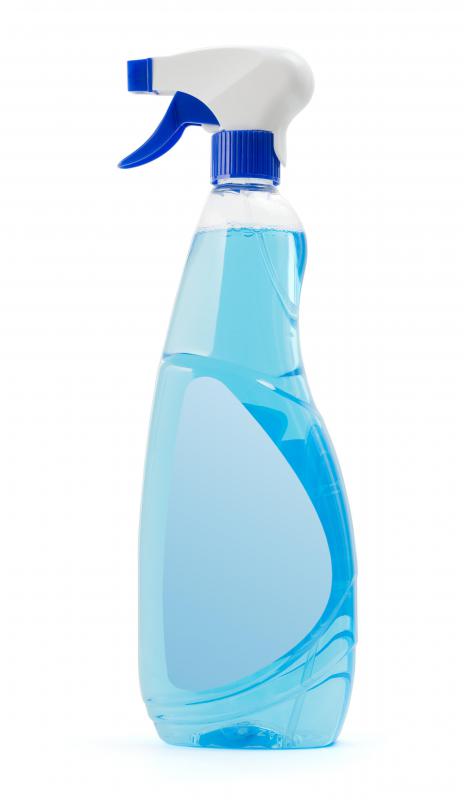
You should also regularly clean your computer accessories. To clean your computer’s scanner, simply spray household window cleaner onto a paper towel or lint-free cloth and wipe the glass clean. The outside of your computer printer can be wiped clean using a soft cloth moistened with rubbing alcohol, but you should refer to your printer’s instruction manual before attempting to clean any internal components.
Dana Hinders
Dana holds a B.A. in journalism and mass communication from the University of Iowa. She has loved being part of the EasyTechJunkie team ever since discovering the joys of freelance writing after her son was born. Dana also hones her writing skills by contributing articles to various blogs, as well as creating sales copy and content for e-courses.
Learn more...
Dana Hinders
Dana holds a B.A. in journalism and mass communication from the University of Iowa. She has loved being part of the EasyTechJunkie team ever since discovering the joys of freelance writing after her son was born. Dana also hones her writing skills by contributing articles to various blogs, as well as creating sales copy and content for e-courses.
Learn more...AS FEATURED ON:
AS FEATURED ON:









-
![A desktop personal computer.]() By: Dmitriy MelnikovA desktop personal computer.
By: Dmitriy MelnikovA desktop personal computer. -
![Window cleaner can be used to clean a glass monitor.]() By: TeinWindow cleaner can be used to clean a glass monitor.
By: TeinWindow cleaner can be used to clean a glass monitor. -
![Chemicals should never be sprayed directly on a flat panel display.]() By: Maxim PimenovChemicals should never be sprayed directly on a flat panel display.
By: Maxim PimenovChemicals should never be sprayed directly on a flat panel display. -
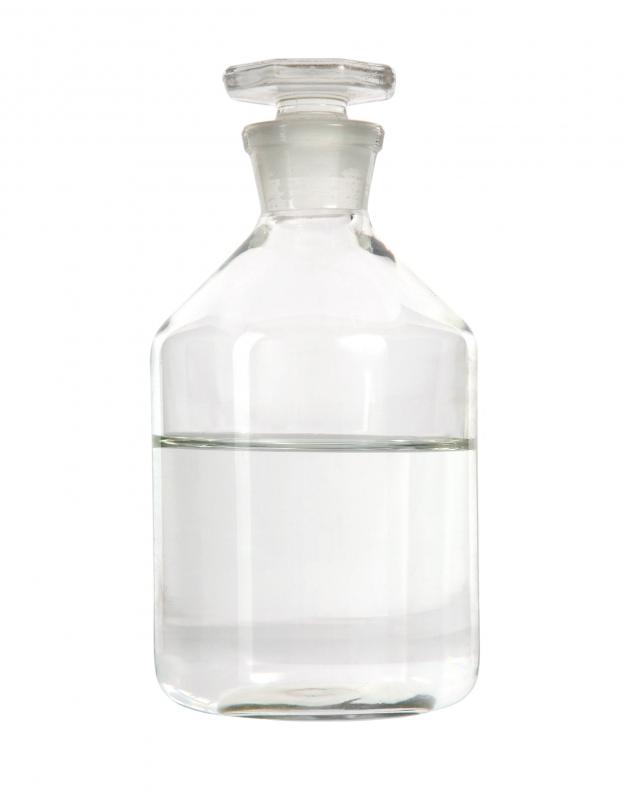
![A bottle of rubbing alcohol, which can be used to clean a computer.]() By: Gordana SermekA bottle of rubbing alcohol, which can be used to clean a computer.
By: Gordana SermekA bottle of rubbing alcohol, which can be used to clean a computer. -
![A laptop computer.]() By: nattstudioA laptop computer.
By: nattstudioA laptop computer. -
![A person typing.]() By: Marc DietrichA person typing.
By: Marc DietrichA person typing. -
![Cotton swabs may be used to clean a computer.]() By: Yanik ChauvinCotton swabs may be used to clean a computer.
By: Yanik ChauvinCotton swabs may be used to clean a computer.





Discussion Comments
Here are a few other things to take not of when you clean your computer screen.
1. Don't use anything acidic or alkaline; they may cause your screen protector to peel.
2. Avoid using any rough surface, e.g. paper, coffee filters unless you absolutely have no choice.
3. With a good microfiber cloth, most times, you wouldn't even need the cleaning solution (e.g. isoproyl alcohol)
When I did research on how to clean a computer I found such a huge amount of information that I was overwhelmed by the abundance of suggestions. Because of this I took the easy way out. If you call up almost any computer repair shop, they will offer a way to clean your computer in both a physical sense as well as digitally. This type of maintenance is akin to taking your car in for a tuneup and detail washing.
When you get your car back you instantly notice a difference in the outside appearance as well as often there can be a pep added to the engine performance and to the gas economy. Just like your car, your computer needs this done every so often as the manufacturer recommends. It is important to maintain the equipment you have or you might find yourself in situation where you have to replace your equipment more often then you should really have to.
I think a crucial fact to remember when cleaning a computer is that not every material that is cloth is suitable for cleaning an LCD screen. In fact, you want to be sure to use the appropriate cloth for a very sensitive task as scratches and other damage can occur to your screen if you are not careful.
To clean a computer monitor or screen effectively, you want to use something that will cut through the grease that accumulates on the surface. Even if we try not to, it is inevitable that fingers will touch the screen and therefore leave behind a greasy finger mark from the natural oils that are on our human hands.
These obnoxious finger marks can create distractions for the viewer and give you system a very untidy and unprofessional look to it.
Rubbing alcohol is a useful substance when trying to clean the screen of a computer monitor and can be the right choice as long as you consult the user manual of your monitor. Sometimes the plastics that are on the surface of your screen can be damaged by a strong solution of alcohol so when in doubt, always consult your manual for the best ways to clean the surface.
I have had much luck in cleaning my screens by using a cotton ball and rubbing alcohol but like I said before, make sure that you consult the manufacturer's recommended methods for cleaning your screen.
@summertime, you are so correct in your analysis in the physical cleaning of a computer. So many people think that cleaning a computer means using a piece of software to scan for viruses or spy ware when the reality is that very dirty, real life nastiness can affect the life of your computer.
Dust removal is key to lengthening the life of your devices and while an air compressor might seem like the best choice for doing so, there are dangers that you must be aware of when using a tool like this. The first is that the force of air that comes our of a compressor can be very strong. So strong in fact that often these pressures can cause physical damage if they are not kept under control. Electronic connections can come undone and loose contact to their connecting components that will result in a total hardware failure.
When using an air compressor it is also important that you realize that a metal tipped blower could mean the demise of your system as well. Be sure to only use a blow attachment to the hose that has a tip made out of rubber. By doing so you are making sure that sensitive electronics are nod damaged by a false metal connection or static charge.
I think that it is amazing how often people ignore the cleaning needs of their computer systems. If you have ever had the chance to clean out the inside of a desktop or tower computer system that has been operating for a few years then you know just how much dust can accumulate inside of these sensitive electronic devices. The problem of course lays in the fact that there is a significant impact that the dust can have on performance.
Because dust can often be a conductive material based on what is in the dust, these short circuits that can happen when dust touches a crucial component can be both devastating and costly to an operator. One should take great care in making sure that the computer systems that they own are kept up with regular cleaning maintenance. Only when this is done on a regular schedule can an operator guarantee that the dust will never be an issue for their system running properly.
As far as removing the dust, there are so many options it really depends on what you have available to you or what is in your budget. I myself have found that the most effective and cheapest way of cleaning out my computers for dust is the use of an air compressor. It has always worked very well for me.
Post your comments