
At EasyTechJunkie, we're committed to delivering accurate, trustworthy information. Our expert-authored content is rigorously fact-checked and sourced from credible authorities. Discover how we uphold the highest standards in providing you with reliable knowledge.
What is Firmware?
Firmware refers to read-only memory (ROM) chips that store permanent instructions. It boots up computerized or digital devices, as ROM chips are non-volatile, meaning that they do not require a power source to hold their contents. This differentiates it from random access memory (RAM), for example, which loses stored data at shutdown. Perhaps the most familiar example is the basic input-output system (BIOS) chip. The BIOS chip on a computer motherboard holds instructions that, on powering up, initialize the hardware, ensure the components are working, and finally roll out the operating system to take over.
In the past, firmware chips could not be rewritten. When the BIOS became outdated, the only option was to buy a new motherboard. The new chips would understand the latest hardware so that the user would not be limited to older drives and other legacy technologies when facing inevitable upgrades.

It became clear that firmware that could be updated would be extremely beneficial. This became possible with flash memory chips. With the BIOS written to this type of chip, a user could connect to the manufacturer’s website, download an upgrade and flash the BIOS chip during boot-up to install a new set of instructions. All quality motherboards today feature a flash BIOS.

Firmware is at the heart of virtually every popular digital device. Portable audio players, cell phones, personal digital assistants, digital cameras and gaming consoles are just some of the devices that use it. When shopping for electronic items, consumers should take note that, if the chip can be flashed, the product is usually advertised as being "upgradeable." This is accomplished online by connecting the device to a universal serial bus (USB) or FireWire port on a computer system and following instructions from the manufacturer’s website.
Upgradeable firmware has extended the life of countless electronic devices, adding new functionality. Flashing the chips can be risky, however, as the device will not boot if the flashing process is interrupted or becomes corrupted. When upgrading, users should be sure to follow instructions carefully and back up any important data beforehand.
AS FEATURED ON:
AS FEATURED ON:









-
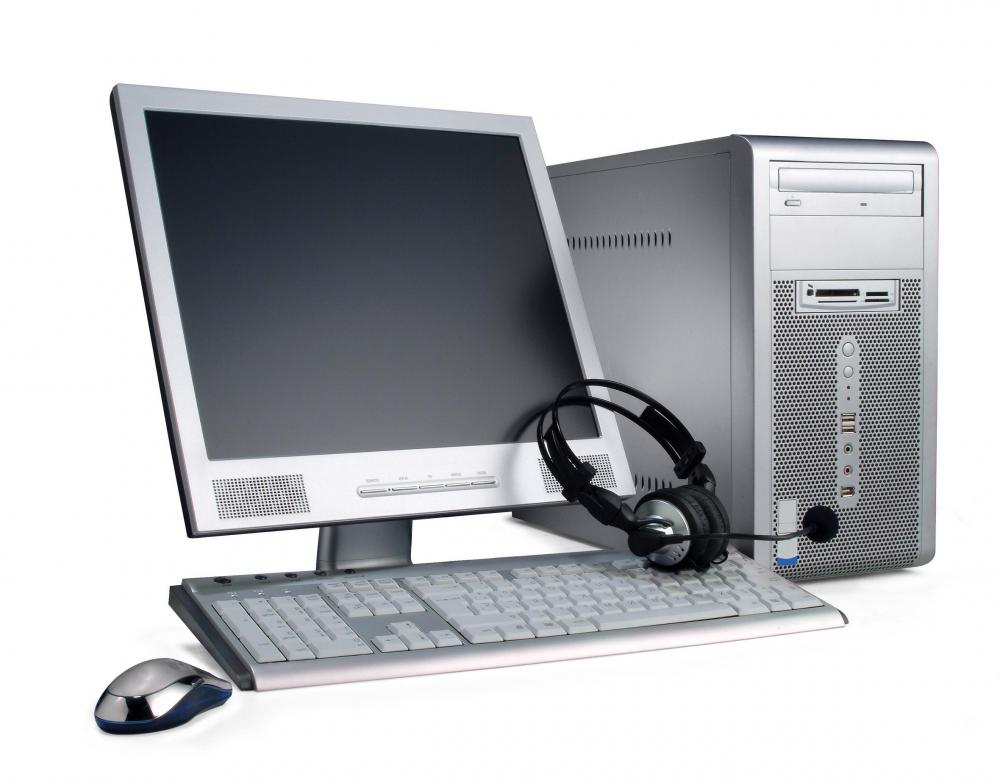
![Firmware is the read-only memory in computers and other electronic devices.]() By: enensFirmware is the read-only memory in computers and other electronic devices.
By: enensFirmware is the read-only memory in computers and other electronic devices. -
![A BIOS chip enables a computer to properly initialize the startup process.]() By: Ruslan KudrinA BIOS chip enables a computer to properly initialize the startup process.
By: Ruslan KudrinA BIOS chip enables a computer to properly initialize the startup process.

Discussion Comments
I just purchased cell phone that has been "unlocked". It is stated in the description of the phone under "firmware" are the numbers 2.3.2, but upon going to update software and clicking on that, the message states that there is no firmware. What the heck?
i need to know how to find the firmware i need. can anyone help?
my mp3 shut down and when i turn it on, i could not open the files there are options there: reboot, open firmware, clear all and format. what should i do?
answer for anon5755:
Plug your Mp3 into your computer via USB cord and then transfer them to wherever. Hope this helps. Sorry if it doesn't.
Anon 5755 - Was is a fatal disk crash? 'because of you managed to get away with formatting and re-installing your OS, many of those music files are recoverable. Try 'GetDataBack' (FREE on rapidshare) I recovered about 90% of my files, and of that 90% about 90% were intact (or intact enough). good luck!
Which companies manufacture firmware?
no i don't think so that usb will work
Is it possible to flash the phone with a data/usb cable?
lost all my music files when hard drive failed. however I have them on my sansa mp3. How do I transfer music files from mp3 back to computer?
Post your comments