
At EasyTechJunkie, we're committed to delivering accurate, trustworthy information. Our expert-authored content is rigorously fact-checked and sourced from credible authorities. Discover how we uphold the highest standards in providing you with reliable knowledge.
What is a Messaging Server?
A messaging server is an application that handles messages between two or more applications. These messages are passed to the middleware application using a messaging API (MAPI). Messaging servers are able to store messages in a queue until they can be delivered to the recipient application(s).
A typical example of a messaging server application in many organizations is Microsoft Exchange. Exchange sits on a server and waits for messages to be routed to its queue. From there, the middleware determines one message at a time if the message is to be routed locally or if it needs to be sent to another messaging server for delivery. If the message belongs to a local recipient, the message is delivered to the local mailbox almost immediately. If the message belongs in a remote message store, the Exchange server will query other application servers in an environment, such as DNS, to locate the server where the message belongs.

If there are connectivity issues between two messaging servers or the sending server cannot determine the location of the remote server, the person sending the message may get a delivery delay message back from their server. Usually this message will let that individual know that the server is having difficulty, but that it will continue to try for a specified number of attempts or days.
There are other types of messaging servers, or email servers, out there. Some, such as Qmail, run on the linux operating system and require much less overhead and administration than an Exchange server. This makes them ideal for Internet Service Providers that host a large number of email accounts for customers. Many businesses use Microsoft Exchange for messaging because it is very reliable and works well with other Microsoft products used by businesses.
When an individual sends a message, Outlook (or their messaging client) passes the message to the messaging server where the message enters the message queue to wait its turn to be processed. If there is a lot of mail going through the queue, this process may take a bit of time, although usually the transition is not noticeable to anyone. When the message is processed, the messaging server determines the location of the recipient mailbox. If the mailbox is local to that server, the message is delivered immediately to its destination. If the recipient is not local to the server, DNS is contacted to help locate the server on the Internet. When the server is found, the sent email message is transferred to the recipient server where the process begins locally from a queue to handle the message. Once the correct mailbox is located, the message is delivered.
AS FEATURED ON:
AS FEATURED ON:









-
![Racks of servers.]()
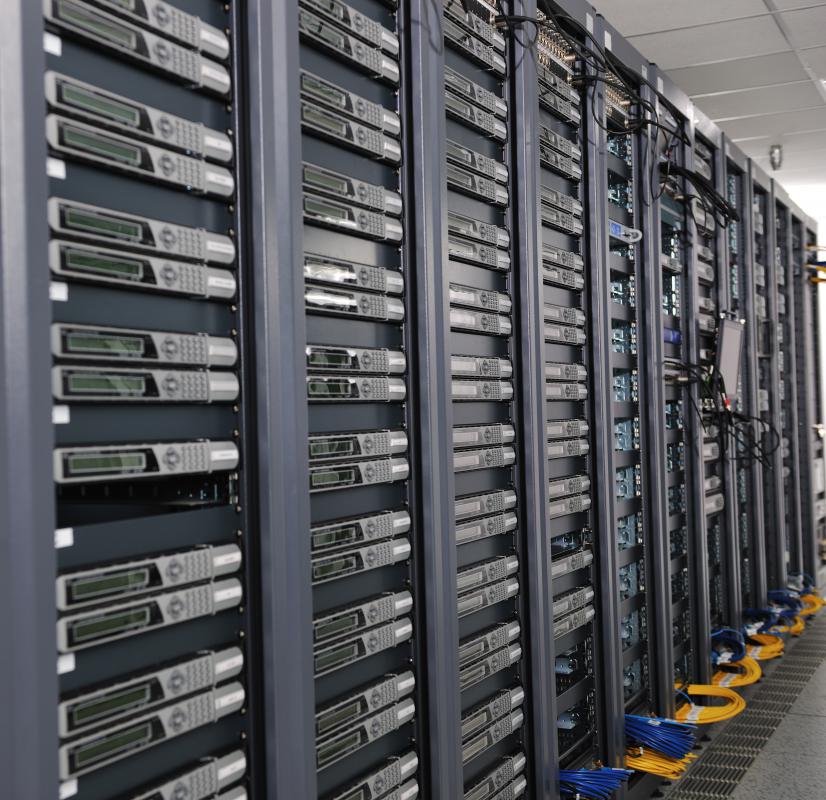
Racks of servers.
Discuss this Article
Post your comments