
At EasyTechJunkie, we're committed to delivering accurate, trustworthy information. Our expert-authored content is rigorously fact-checked and sourced from credible authorities. Discover how we uphold the highest standards in providing you with reliable knowledge.
What is a Disk Image?
A disk image is a single, large file that faithfully reproduces all of the contents and functionality of a hard disk, optical disk, or other storage device. The file might be anywhere from several megabytes to several gigabytes in size, and will end in one of several extensions including .iso, .cue., .bin, or .img. For Macintosh computers, modern image files will end in .dmg.
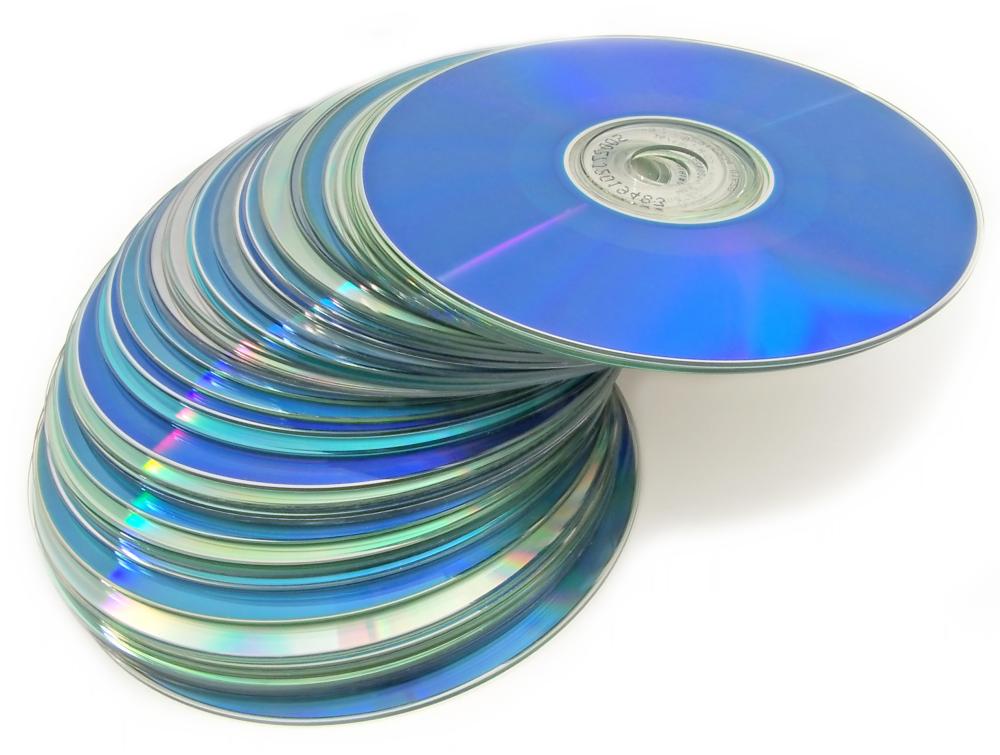
Anyone who has copied his favorite music CDs or DVDs is probably already familiar with the idea of creating a disk image on the hard drive. Once the image is created from the source disk, it is burned to a blank CD or DVD. This is not the only way to make copies, but it is highly convenient. If the burning process fails, the saved image is available for reburning without having to access the source disk again.

A disk image is an excellent way to create backups of hard disks, as conventional backup programs can skip over files that are in use or are "inaccessible." Backup programs might also copy data files but not program files. Moreover, this method copies the entire structure of the drive, including formatting. With a stored image on an external archive drive, if the main drive fails, the image can be copied to the replacement drive in minutes for a fully functioning system. It will be complete with personal preferences, tweaks, programs, files, and plugins.

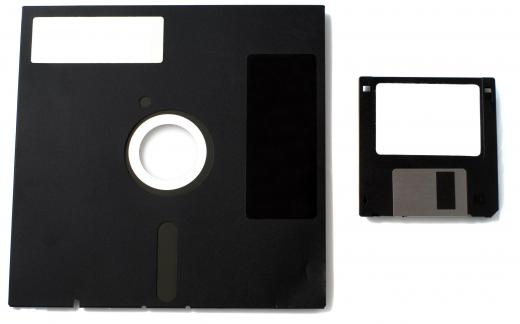
Prior to disk imaging, the process of recreating a drive could take several hours, days, or even weeks. Drives had to be manually partitioned and formatted, and the operating system installed and configured. Programs were then reinstalled and reconfigured, followed by restoration of data files from backups. A disk image can take care of all of these time-consuming steps with a single, easy command. It can also be used to back up CDs, DVDs, or floppy disks.

Images can be compressed to save space, or left uncompressed — also known as "raw." A compressed file saves room by using an algorithm that amounts to digital shorthand. When a compressed image is restored, the restore process includes expanding the shorthand to the original state as it is transferred to the new storage device.
Disk images burned to CDs can be used to evaluate operating systems without actually installing them. For example, Linux&re is commonly distributed as an .iso file that can be downloaded and burned for a live CD. Live CDs are bootable CDs that do not affect the host computer's OS, but only use the RAM. When finished with the live CD, the user can eject the disc and reboot the computer to the native operating system.
There are several disk imaging software programs available for download that will back up entire hard disks, burn CDs, or perform other related functions. Creating an image is one of the most efficient ways to ensure that a computer system will be there when it is needed most.
AS FEATURED ON:
AS FEATURED ON:









-
![Creating a disc image will ensure that a computer system is backed up.]() By: Moreno SoppelsaCreating a disc image will ensure that a computer system is backed up.
By: Moreno SoppelsaCreating a disc image will ensure that a computer system is backed up. -
![Disk images are burned to CDs and DVDs.]()
Disk images are burned to CDs and DVDs. -
![A disk image can be reproduced from a hard disk drive.]() By: Sergey KoroteevA disk image can be reproduced from a hard disk drive.
By: Sergey KoroteevA disk image can be reproduced from a hard disk drive. -
![A disk image can be used to back up a floppy disk.]() By: Iakov KalininA disk image can be used to back up a floppy disk.
By: Iakov KalininA disk image can be used to back up a floppy disk. -
![Disk images burned to CDs can be used to evaluate operating systems without actually installing them.]() By: imagedb.comDisk images burned to CDs can be used to evaluate operating systems without actually installing them.
By: imagedb.comDisk images burned to CDs can be used to evaluate operating systems without actually installing them.



Discussion Comments
Recently we found one imaging tool called Data Copy King which claims its tested data transfer speed is 6.8GB/min for image and 7.2GB/min for data clean. DCK is one hardware and software integrated tool.
Which one is the fastest copy partition technique?
For eg. like byte to byte copy,sector to sector, disk imaging?
Post your comments