
At EasyTechJunkie, we're committed to delivering accurate, trustworthy information. Our expert-authored content is rigorously fact-checked and sourced from credible authorities. Discover how we uphold the highest standards in providing you with reliable knowledge.
What are the Disadvantages of a DVD ROM?
 Dana Hinders
Dana Hinders
Dana Hinders
Although DVD ROMs are becoming more popular each day, this technology is not without its disadvantages. If you’re planning to buy a new computer or upgrade your current system in the near future, it’s important to understand both the positive and negative aspects of this technology.
A DVD ROM is a compact disc that can hold a minimum of 4.7 GB of movies, music, text, or images, although some discs can hold up to 17 GB of information. Even though movies from the local video store are often referred to simply as DVDs, they are actually DVD ROM discs. Access rates for these devices range from 600 Kbps to 1.3 Mbps.

Since DVD ROM stands for Digital Versatile Disk – Read Only Memory, it should come as no surprise that this format’s biggest disadvantage it that it can’t be used more than once. Once the information is recorded, it can’t be changed or altered. In fact, most commercially-produced DVD movies contain copy-protection mechanisms to prevent users from creating unauthorized copies of the disc.

If you’re storing data for an ongoing project that you’ll need to change on a regular basis, a DVD ROM is a poor choice. In this case, your best option will be to either use a removable flash drive or purchase a combination DVD+RW/+R/CD-RW drive that allows you to read DVD and CD ROMs as well as write to CD-R, CD-RW, DVD+R, and DVD+RW discs.
Since DVD ROM is a relatively new technology, you may have trouble operating some programs with your drive. For example, Real Jukebox, a music management software program, may not work with some drives.

Of course, unlike a standard stand-alone DVD player, a DVD ROM setup requires a computer. This makes it somewhat more difficult to use a DVD ROM drive as the basis of your home theater system—-although many people, including college students and people living in small apartments, frequently choose this space-saving option. However, if your primary concern is watching DVD movies, you’ll might be better off investing in a high-quality DVD player that is compatible with DVD-R, DVD-RW, DVD+R, DVD+RW, and VCD formats to allow you to view any type of disc that you choose.
Dana Hinders
Dana holds a B.A. in journalism and mass communication from the University of Iowa. She has loved being part of the EasyTechJunkie team ever since discovering the joys of freelance writing after her son was born. Dana also hones her writing skills by contributing articles to various blogs, as well as creating sales copy and content for e-courses.
Learn more...
Dana Hinders
Dana holds a B.A. in journalism and mass communication from the University of Iowa. She has loved being part of the EasyTechJunkie team ever since discovering the joys of freelance writing after her son was born. Dana also hones her writing skills by contributing articles to various blogs, as well as creating sales copy and content for e-courses.
Learn more...AS FEATURED ON:
AS FEATURED ON:









-
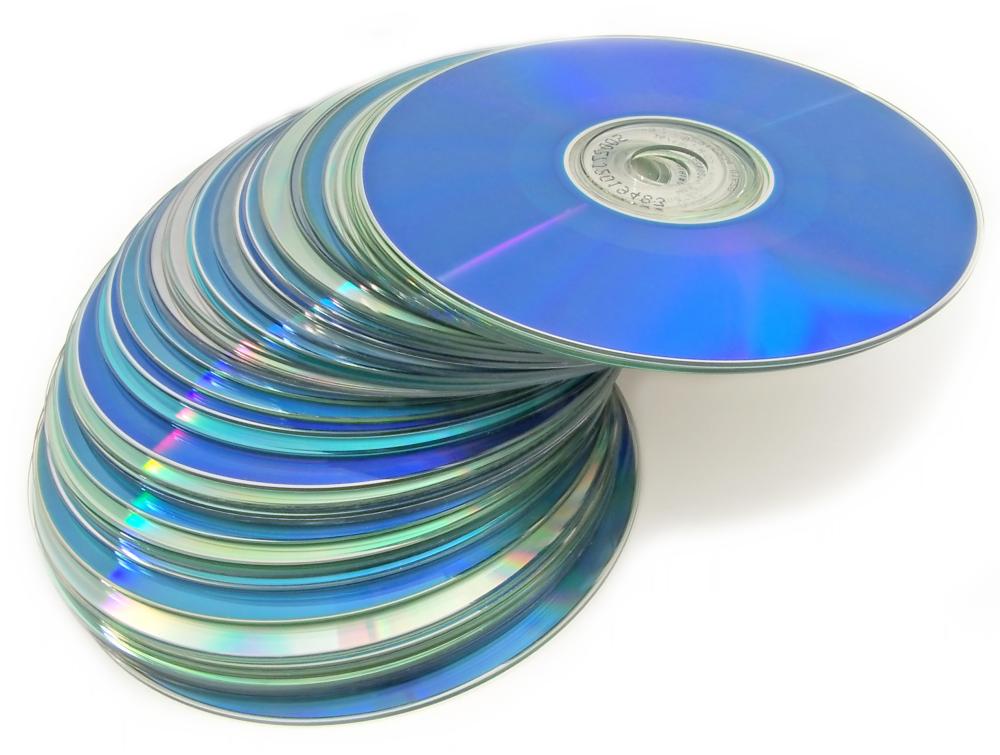
![A stack of DVD-ROMs.]()
A stack of DVD-ROMs. -
![DVD ROMs are able to hold a minimum of 4.7 GB of movies, music, or images.]() By: overthehillDVD ROMs are able to hold a minimum of 4.7 GB of movies, music, or images.
By: overthehillDVD ROMs are able to hold a minimum of 4.7 GB of movies, music, or images. -
![Jewel cases may be used to prevent scratching of DVD-ROMs.]() By: StockPhotosArtJewel cases may be used to prevent scratching of DVD-ROMs.
By: StockPhotosArtJewel cases may be used to prevent scratching of DVD-ROMs.


Discussion Comments
yes you can still use normal CDs and CD-Rs.
HELP!!! I am in the process of buying an older laptop and it has a DVD-ROM/CD-RW(COMBO) media drive. Will i still be able to use normal CD's and computer CDs (not sure of the technical name) with it? As you can probably tell i have no idea about computers, help would be greatly appreciated. thank you.
Post your comments