
At EasyTechJunkie, we're committed to delivering accurate, trustworthy information. Our expert-authored content is rigorously fact-checked and sourced from credible authorities. Discover how we uphold the highest standards in providing you with reliable knowledge.
What are Network Cards?
In the vast world of computers and technology, the Internet acts as a lifeline. The World Wide Web connects everyone together, allowing users to chat with each other, to buy things instantly through websites, and to find almost any information. If the Internet is the spinal cord of the technological world, network cards are the vertebrae, allowing computers to communicate with each other.
A network either allows one or multiple computers to connect to each other in a Local Area Network (LAN), or it allows them to connect to the Internet in a Wide Area Network (WAN). Some networks are configured to allow both. In domestic applications, networking usually consists of allowing the computers in a household to share the same printer, to send and receive files, and to connect the computers to the Internet.
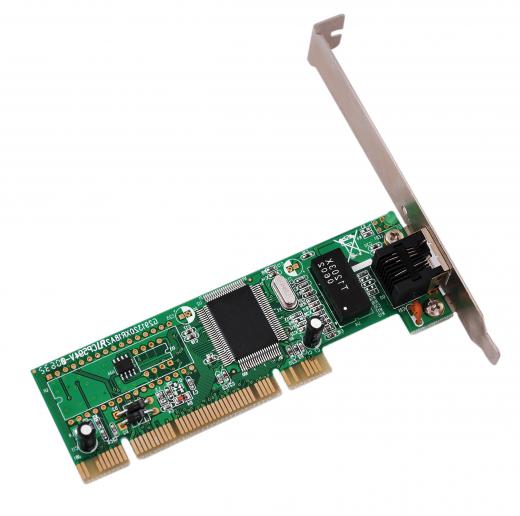
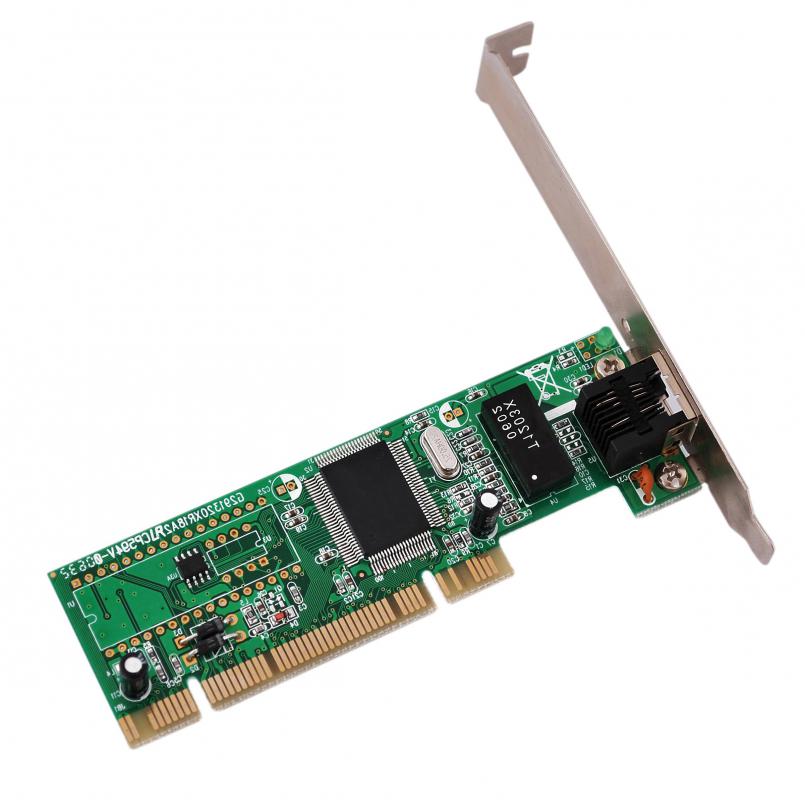
In order for one computer to be able to talk to other computers, or to an Internet service provider (ISP), it needs what is called a Network Interface Card, or NIC. This card is usually found inside the computer, and may be wired or wireless. Many computers offer both options.
A wired network card requires an Ethernet cable. This cable resembles a telephone wire, though slightly larger in diameter, and its end is about twice the size of a standard RJ11 jack. An Ethernet cable is standard for connecting a computer to a high-speed Internet modem, or to a network within the home.
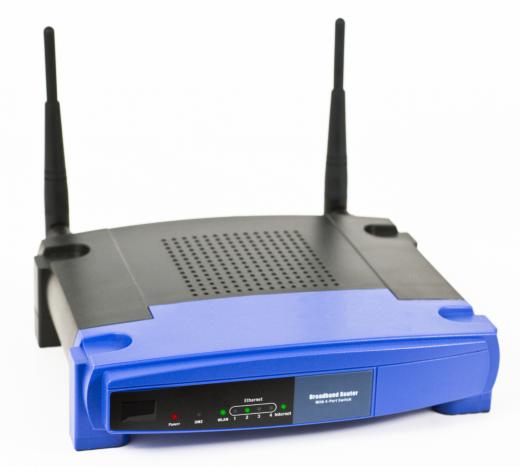
Many computers, particularly laptops, now come with network cards that are wireless. These cards can communicate with a wireless router or network device. Wireless network cards allow users with laptops to roam the house while staying connected to the Internet, eliminating the need for a tethering Ethernet cable.
While network cards are readily available, many computers come with one already installed. In cases in which a card is not preinstalled or if a user wants to upgrade his or her connection, network cards are actually quite simple to install. The instructions provided with a new card should give adequate detail, and many installation walkthroughs exist online.

Regardless of whether the user is creating a wireless network or a wired network in your home, network cards are a necessity for each computer. A computer user should give serious thought to a wireless network if he or she owns a laptop or two. Although there may be more security precautions required with a wireless network, and the speed may be slightly slower, the flexibility gained is quite often worth it.
AS FEATURED ON:
AS FEATURED ON:









-
![Network card.]()
Network card. -
![A wireless router, which interacts with a network card.]()
A wireless router, which interacts with a network card. -
![An Ethernet cable is required for a wired network card.]() By: angellodecoAn Ethernet cable is required for a wired network card.
By: angellodecoAn Ethernet cable is required for a wired network card. -
![Network cards allow people to access wireless internet wherever they go.]() By: George DolgikhNetwork cards allow people to access wireless internet wherever they go.
By: George DolgikhNetwork cards allow people to access wireless internet wherever they go.


Discussion Comments
There are televisions on the market that allow you to connect all of your components, and connect to the internet, wirelessly. The televisions come equipped with built in high definition wireless network cards, and wireless HDMI adapters.
Imagine a television that can connect to any high definition video source without any wires. Literally, you just plug the television into the wall, and turn it on. High definition televisions have accomplished the ultimate aesthetic goal...turning your television into a work of technological art hanging on your wall.
The only downside is the cost. The televisions that offer these features are very big, and some of the most expensive. You will however, save money on installation expenses. You will not have to hire anyone to hide wiring in the walls, or to make complicated audio/visual connections.
You can also use a USB wireless network card to link a video game console to the network in your home. This will allow you to partake in online gaming without the hassle of running wires from your desk to your television.
Wireless networks used to be slower than a cable connection, but with the wireless-n technology that is available today, there is virtually no difference between online gaming with a wired connection and a wireless connection. The only thing that affects online gaming now is the speed from your internet provider.
Post your comments