
At WiseGEEK, we're committed to delivering accurate, trustworthy information. Our expert-authored content is rigorously fact-checked and sourced from credible authorities. Discover how we uphold the highest standards in providing you with reliable knowledge.
In Computers, what is an Eraser?
In computers, an eraser is a term used to describe either a software program or hardware device intended to completely erase the contents of a hard drive. Using an eraser is the only real way to ensure data is removed from a hard drive, as simply formatting the drive leaves the option to recover a great deal of the information present. There are different levels of security for an eraser, with the most basic doing more than a simple format, but still leaving some possibility of reconstructing bits of data, and the most advanced destroying every shred of data on the drive.
To understand why an eraser is important, it can be helpful to understand how hard drives store information, and what happens when a computer is told to delete a file. Files are stored in bits across the drive; when the user opens a file, it checks to see where that file is stored and reads it. Over time, these files will become fragmented and spread out over the hard drive, but the hard drive can still find them and reconstruct the file completely. Empty space on the hard drive is flagged as empty so that the computer knows it can put new files there or let existing files spread on to those data blocks.

When a file is deleted, it is first put in a temporary holding bin on the computer, such as the trash or recycling bin. At this point, any user can simply open the bin and find the file, and drag it back out to reopen it. Many people, once they've emptied the trash, think those files are permanently erased. In reality, all that happened is that the computer switched those data blocks from saying they had information on them to saying they were empty and could be over-written.

The trick is, those blocks will not necessarily be overwritten unless lots of other files are added to the computer. This means an advanced user can simply switch how the computer sees them, and the information will reappear. In fact, even if lots of new files are added to the computer, the chances are high that chunks of the original files will remain. A dedicated individual could reconstruct large swaths of data, such as pieces of personal emails, passwords, or billing information. For this reason, it's crucial to use an eraser when disposing of a hard drive that may have any sensitive information on it.

An eraser basically takes all of those data chunks and says they are empty. Then it goes through and randomly writes information on each and every byte of the hard drive, making sure it overwrites anything that might be there. A standard format for erasers consists of going through and writing a 1 on each and every byte, then going through and writing a 0 on each and every byte. At the end of this, it is likely that all the data will be completely erased.
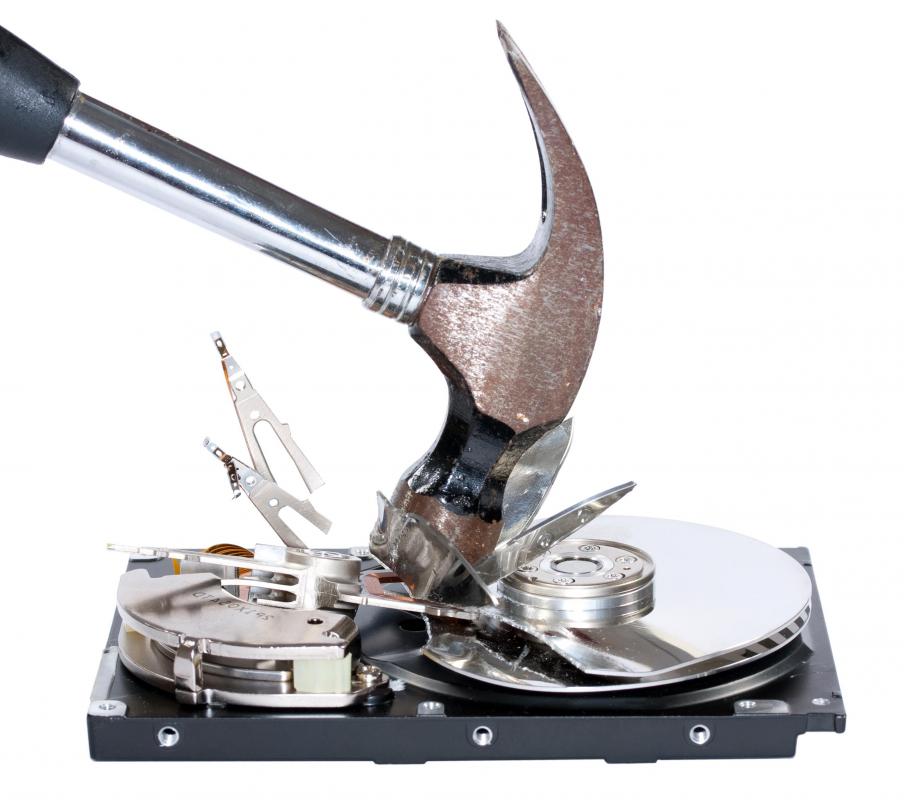
A hardware eraser does the same thing as a software eraser, but does it without the need of a computer. This way, a person can take a hard drive, plug it into the eraser, and it will automatically cleanse all data from it. This can be ideal for organizations with many hard drives that need erasing. For people who want to be absolutely sure their data is gone, a further option exists: hard drive shredding. This is the process of actually taking the data plates from the hard drive and shredding them, and sometimes further incinerating them, insuring that absolutely no data can survive.
AS FEATURED ON:
AS FEATURED ON:









-
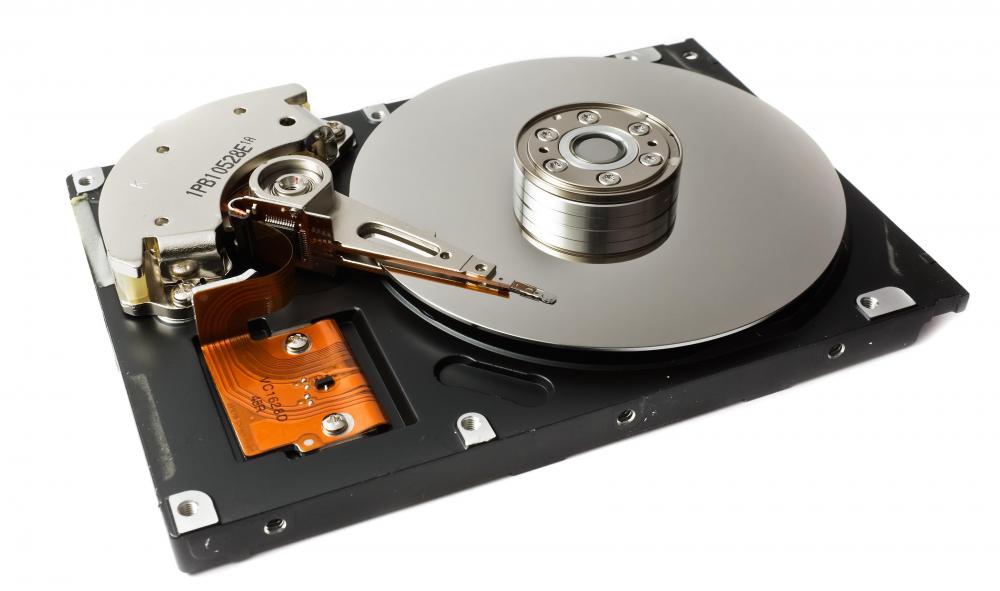
![A hard drive, which can be overwritten with an eraser.]()
A hard drive, which can be overwritten with an eraser. -
![Hard drive shredding is one of the best ways to ensure that data is gone from a hard drive.]() By: dbj65Hard drive shredding is one of the best ways to ensure that data is gone from a hard drive.
By: dbj65Hard drive shredding is one of the best ways to ensure that data is gone from a hard drive. -
![There are a number of ways to more thoroughly erase 'deleted' files.]() By: sgThere are a number of ways to more thoroughly erase 'deleted' files.
By: sgThere are a number of ways to more thoroughly erase 'deleted' files.

Discussion Comments
Is "f" discing a computer considered a permanent eraser?
My words to live by are: "Do not put in writing or any other form, anything that you would not want read in the school auditorium."
Which of the erasers does get rid of everything both as you use it and to be able to switch it to a complete drive removal?
Can any of these erasers be used to get rid permanently of all past history without losing any of the info, programs and drivers? I guess that the eraser can only be used when you have finished with the computer.
Post your comments